Tekno Electro Solutions – Laptop-Size Digital Safe Manual
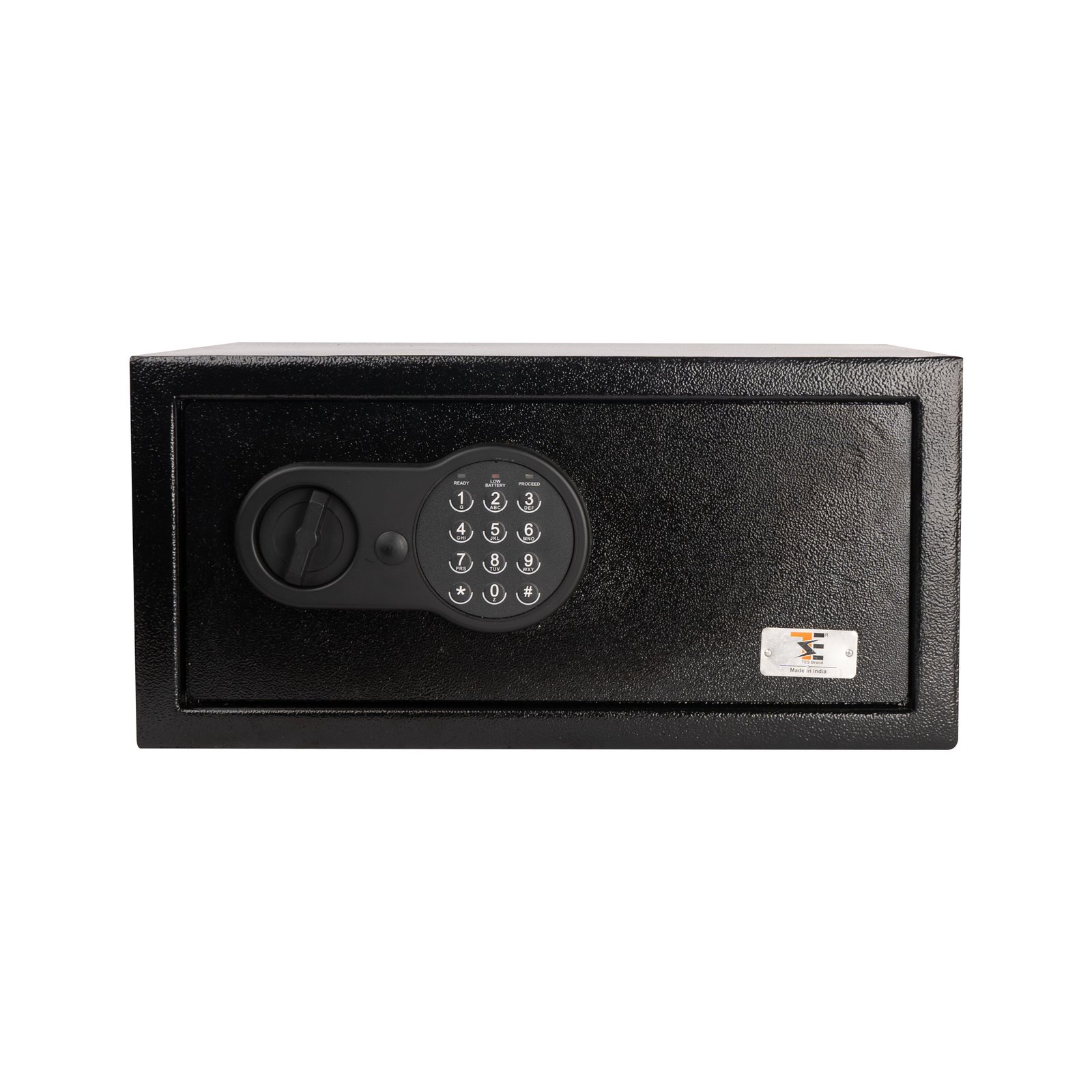
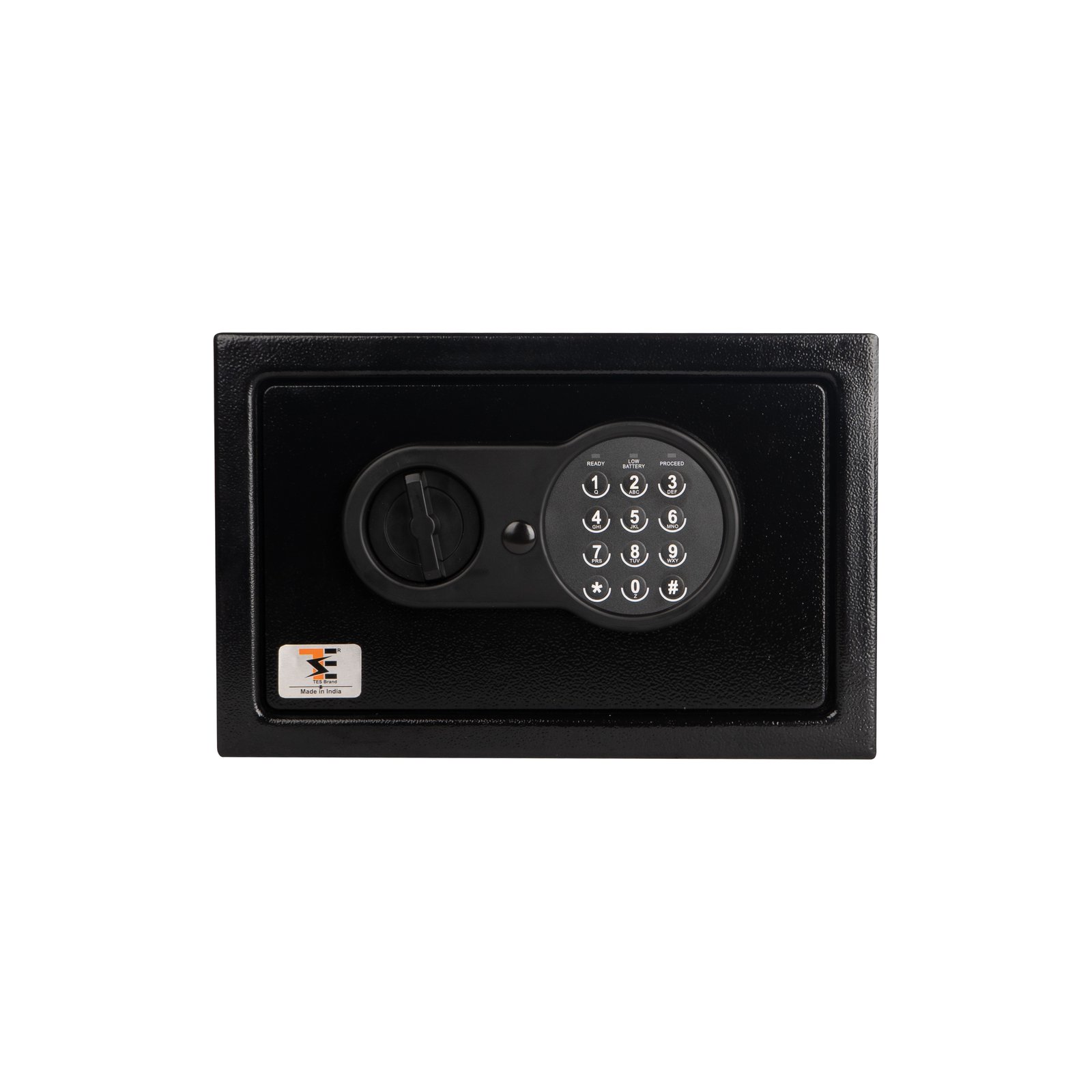
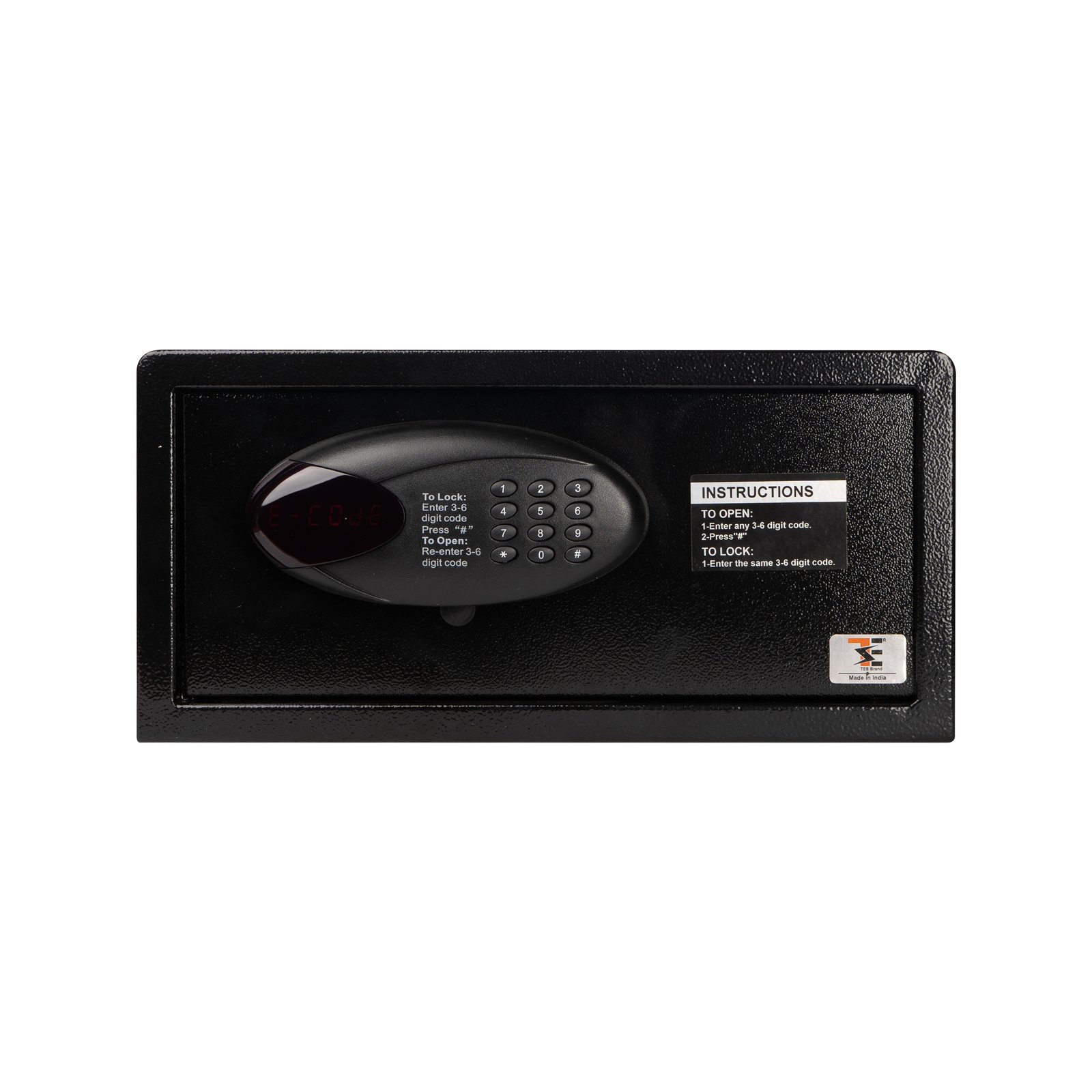
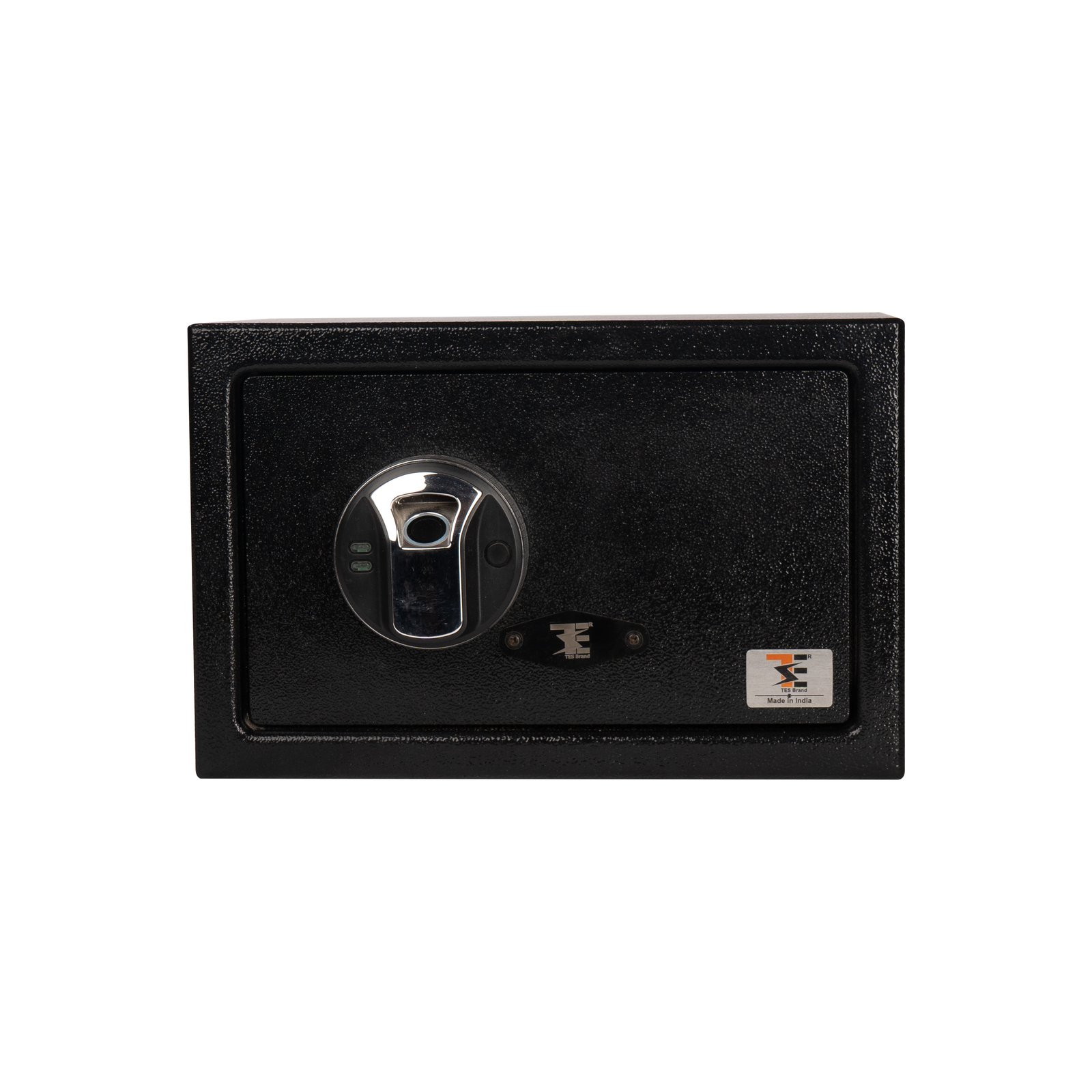
Tekno Electro Solutions’ Laptop-Size Digital Safe, engineered to provide advanced digital protection for your electronic devices, confidential files, and valuable belongings.
Overview of the Product
It offers strong protection combined with a sleek design, making it appropriate for workplaces, dorm rooms, or even hotel rooms where space efficiency and security are paramount.
- Spacious Interior: Fits most standard-sized laptops and important files.
- Heavy-Duty Steel Construction: A reinforced door with hidden hinges provides tamper resistance.
- LED Indicators: Light-emitting diodes display input acknowledgement, errors, and battery warnings.
- Low Battery Warning: Provides timely replacement of the power source.
--Operating Instructions
Power source:
- Insert 4 × AA batteries into the battery compartment located inside the safe door.
Setting the Code:
- Open the safe with the preset factory code or override key.
- Press the internal “RESET” button.
- Enter your new 3–8 digit code and then press “#” to confirm.
Opening the Safe:
- When the green indicator lights, turn the knob to open.
Locking the Safe:
- Close the door, then turn the knob until it has locked properly.
Emergency Access
- In case batteries are drained or the code has been forgotten:
- Use the override key that is hidden behind the front panel.
- Open the safe manually, replace the batteries, or reset your PIN.
- Store override keys in a safe, and separate place.
- Replace batteries annually or when indicated.
- Do not store keys or passwords inside the safe.
Features
Overview of the Product
The Laptop-Size Digital Safe is designed to store bigger valuables, like laptops, tablets, documents, and even cash, while still allo
wing the convenience of digital keypad access. It offers strong protection combined with a sleek design, making it appropriate for workplaces, dorm rooms, or even hotel rooms where space efficiency and security are paramount.
Spacious Interior: Fits most standard-sized laptops and important files.
- Heavy-Duty Steel Construction: A reinforced door with hidden hinges provides tamper resistance.
- LED Indicators: Light-emitting diodes display input acknowledgement, errors, and battery warnings.
- Override Key Access: Two backup keys included in case of emergency opening.
- Auto-Lock System: Engages in case of repeated incorrect code entries for added security.
- Low Battery Warning: Provides timely replacement of the power source.